
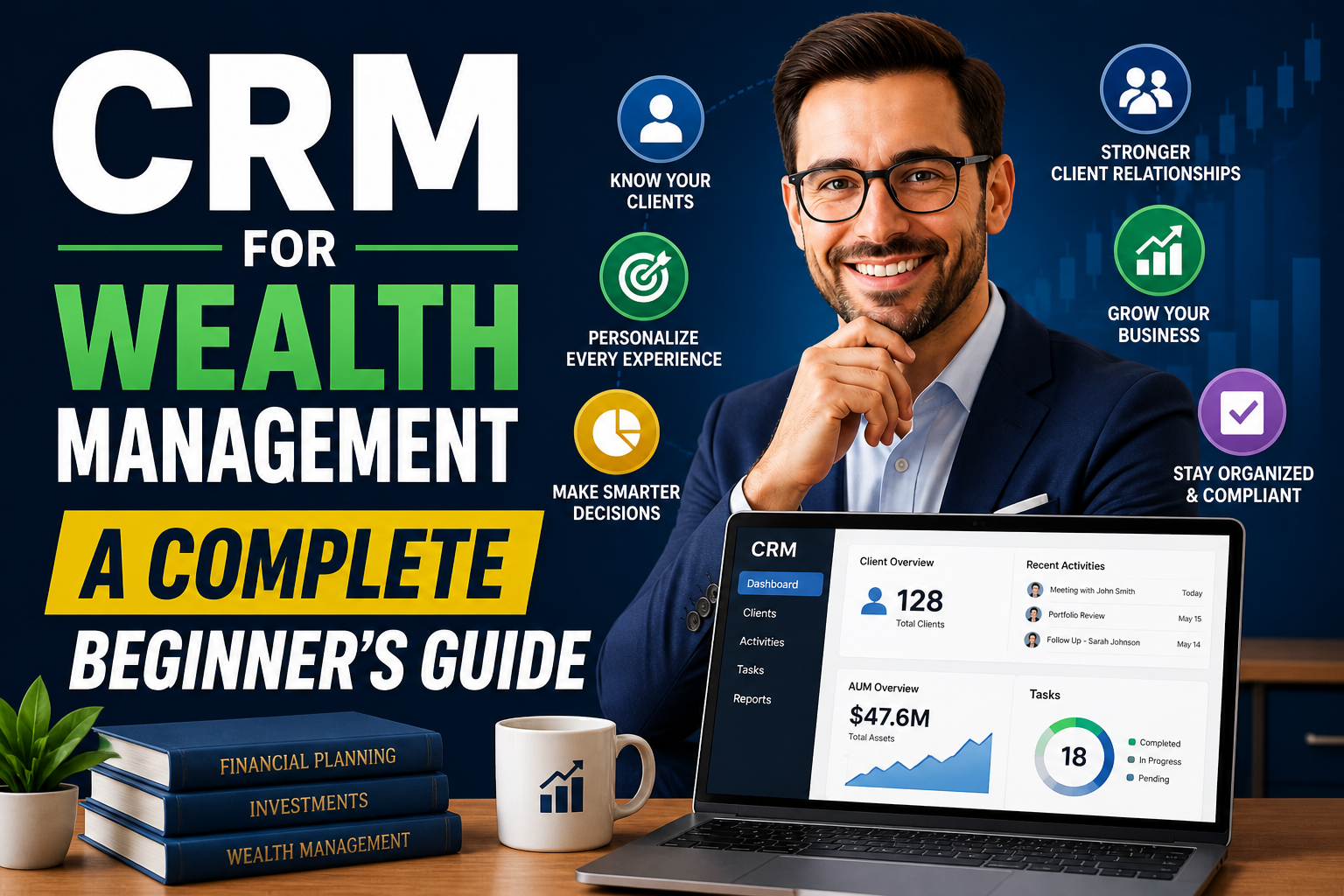
New to CRM? This guide explains how wealth managers can use CRM tools to streamline workflows and improve client relationships.
Wealth management has always been about relationships. Clients trust advisors with their financial future, and that trust depends on consistent communication, personalized advice, and organized data. The problem is that spreadsheets, emails, and manual notes don’t scale well. That’s where CRM comes in.
This guide breaks down what CRM for wealth management is, why it matters, and how to get started without overcomplicating things.
What is CRM in Wealth Management?
CRM stands for Customer Relationship Management. In wealth management, it’s a system that helps financial advisors and firms manage client interactions, track financial data, automate tasks, and improve service quality.
Instead of juggling multiple tools, a CRM acts as a central hub where you can:
- Store client profiles and financial details
- Track communication history
- Manage portfolios and goals
- Automate reminders and workflows
- Monitor compliance requirements
In simple terms, it helps you stay organized while delivering a more personalized experience.
Why Wealth Managers Need CRM
Managing a few clients manually might work. Managing hundreds or thousands does not.
Here’s where most firms struggle without CRM:
1. Scattered Client Data
Client information lives in emails, Excel sheets, and notebooks. This leads to missed insights and inconsistent service.
2. Poor Follow-Ups
Without reminders or automation, it’s easy to forget check-ins, renewals, or investment reviews.
3. Limited Personalization
Clients expect tailored advice. Without structured data, personalization becomes guesswork.
4. Compliance Risks
Financial services are heavily regulated. Missing documentation or communication logs can create serious issues.
A CRM solves these problems by centralizing everything and making processes repeatable.
Key Features of CRM for Wealth Management
Not all CRMs are built the same. Wealth management requires specific capabilities.
Client Profile Management
A good CRM stores detailed client information, including:
- Personal data
- Financial goals
- Risk tolerance
- Investment history
This allows advisors to make informed decisions quickly.
Portfolio Tracking
Some CRMs integrate with financial tools to show portfolio performance in real time.
Task Automation
Automate routine tasks like:
- Meeting reminders
- Follow-ups
- Birthday or milestone messages
This saves time and improves consistency.
Communication Tracking
Every email, call, or meeting is logged. This ensures continuity even if team members change.
Reporting and Analytics
CRMs provide insights into:
- Client behavior
- Revenue trends
- Advisor performance
Compliance Management
Maintains audit trails and documentation required for regulations.
Benefits of Using CRM in Wealth Management
Better Client Relationships
With complete client visibility, you can offer more relevant advice and timely communication.
Increased Efficiency
Automation reduces manual work, freeing up time for strategic tasks.
Improved Revenue Growth
Happy clients stay longer and refer others. CRM helps you identify upsell and cross-sell opportunities.
Data-Driven Decisions
Instead of guessing, you rely on structured data and analytics.
Stronger Team Collaboration
Everyone works from the same system, reducing confusion and duplication.
Types of CRM Used in Wealth Management
1. Operational CRM
Focuses on automation and process management. Ideal for daily tasks and workflows.
2. Analytical CRM
Focuses on data insights and reporting. Useful for strategic decision-making.
3. Collaborative CRM
Improves communication between teams and departments.
Most modern CRMs combine all three.
How CRM Improves Client Experience
Client expectations have changed. They want faster responses, tailored advice, and proactive service.
CRM helps deliver that by:
- Tracking client preferences
- Sending timely updates
- Providing personalized recommendations
- Ensuring no request is missed
For example, if a client is nearing retirement, the CRM can trigger alerts for portfolio adjustments or planning sessions.
Steps to Implement CRM in Wealth Management
Adopting CRM is not just about software. It’s about changing how you work.
Step 1: Define Your Goals
Ask yourself:
- Do you want better client tracking?
- More automation?
- Improved compliance?
Clear goals help you choose the right system.
Step 2: Choose the Right CRM
Look for:
- Financial industry features
- Integration with existing tools
- Ease of use
- Scalability
Avoid overcomplicated systems if you’re just starting.
Step 3: Data Migration
Move client data from spreadsheets or legacy systems into the CRM.
Make sure data is clean and structured.
Step 4: Train Your Team
Even the best CRM fails if people don’t use it properly.
Provide hands-on training and simple workflows.
Step 5: Automate Gradually
Start with basic automation like reminders and follow-ups. Expand later as your team gets comfortable.
Common Mistakes to Avoid
Overloading the System
Trying to use every feature at once creates confusion. Start simple.
Poor Data Entry
A CRM is only as good as the data inside it. Incomplete or incorrect data reduces its value.
Lack of Adoption
If your team doesn’t use the CRM consistently, it won’t deliver results.
Ignoring Client Experience
CRM is not just for internal use. It should improve how clients interact with you.
CRM Trends in Wealth Management
The CRM landscape is evolving quickly. Here are a few trends to watch:
AI-Powered Insights
CRMs are now using AI to suggest investment strategies and predict client behavior.
Mobile Access
Advisors can access client data on the go, improving responsiveness.
Integration with FinTech Tools
Modern CRMs connect with portfolio management, accounting, and communication platforms.
Enhanced Security
With increasing data risks, CRMs are focusing more on encryption and compliance.
How to Choose the Best CRM for Your Firm
Choosing the right CRM depends on your firm size and needs.
For Small Firms
Look for:
- Easy setup
- Affordable pricing
- Basic automation
For Medium to Large Firms
Focus on:
- Advanced analytics
- Custom workflows
- Integration capabilities
Questions to Ask Before Choosing
- Does it support financial compliance requirements?
- Can it scale as your firm grows?
- Is it easy for your team to adopt?
- Does it integrate with your existing tools?
Real-World Example
Imagine managing 200 clients manually.
You might forget follow-ups, miss important updates, and struggle with organization.
Now imagine using a CRM:
- You get automatic reminders for every client
- You can view their entire financial history in seconds
- You send personalized messages based on their goals
- You track performance and improve strategies
The difference is not small. It directly impacts client satisfaction and business growth.
