
A complete guide to selecting the perfect CRM for your finance company based on features, budget, and business needs.
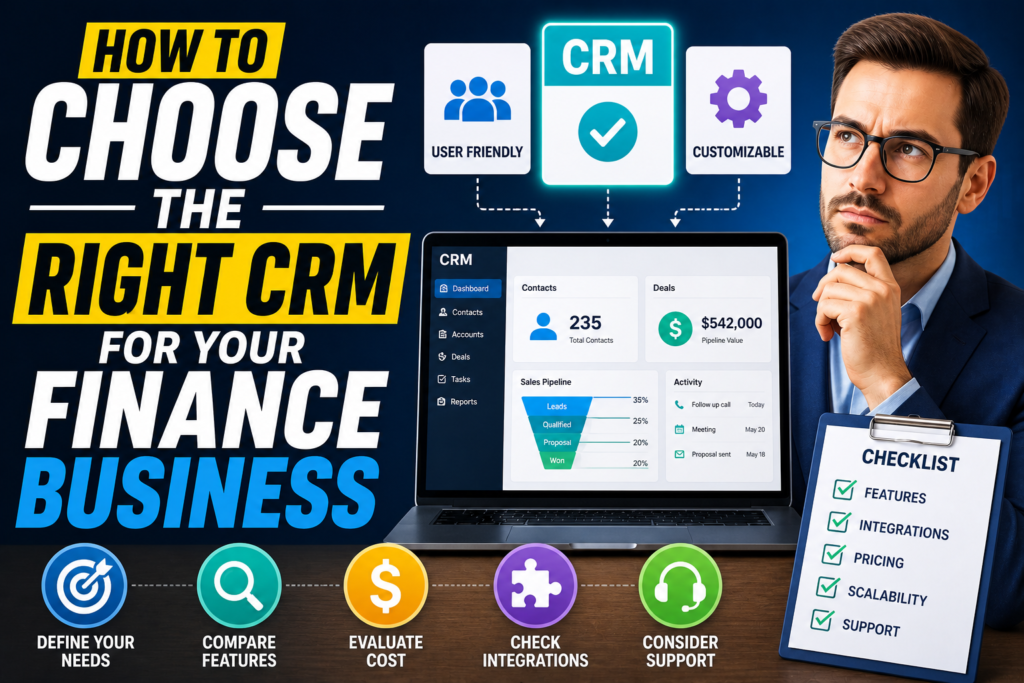
In finance, relationships and data accuracy are everything. Whether you’re a financial advisor, wealth manager, loan officer, or insurance consultant, your ability to manage client information directly impacts growth, compliance, and trust. That’s where a CRM (Customer Relationship Management system) becomes essential.
But not all CRMs are built for finance. Choosing the wrong one can slow you down, create compliance risks, and frustrate your team. This guide walks you through how to choose the right CRM for your finance business with practical, real-world considerations.
What Is a CRM in Finance?
A CRM in the finance sector is more than just a contact database. It’s a centralized system that helps you manage:
- Client profiles and financial data
- Communication history
- Compliance documentation
- Investment tracking and reporting
- Task automation and follow-ups
Popular platforms like Salesforce, HubSpot CRM, Zoho CRM, and Microsoft Dynamics 365 offer finance-specific capabilities, but choosing between them depends on your business model.
Why Choosing the Right CRM Matters
Finance businesses operate under strict regulations and deal with sensitive client data. A generic CRM might handle basic contact management, but it may fall short in areas like compliance, reporting, and integrations.
Choosing the right CRM helps you:
- Improve client retention with personalized service
- Automate repetitive tasks
- Ensure regulatory compliance
- Get better visibility into your pipeline
- Scale operations without chaos
A poor choice, on the other hand, leads to inefficiency, data silos, and missed opportunities.
Step 1: Define Your Business Requirements
Before comparing tools, get clear on your needs.
Ask yourself:
- What type of finance business do I run? (wealth management, insurance, lending, etc.)
- How many clients and transactions do I handle monthly?
- Do I need compliance tracking (KYC, AML, audit logs)?
- What level of reporting do I need?
For example, a wealth advisor needs portfolio tracking, while a loan officer needs lead tracking and approval workflows.
Without clarity here, you’ll end up paying for features you don’t use or missing ones you actually need.
Step 2: Look for Finance-Specific Features
A strong CRM for finance should go beyond basic sales tools.
Must-have features include:
1. Client Data Management
Detailed client profiles including income, assets, risk appetite, and investment history.
2. Compliance and Security
Look for features like:
- Data encryption
- Audit trails
- Role-based access
- Regulatory support (important in finance)
3. Workflow Automation
Automate tasks like:
- Follow-up reminders
- Document requests
- Client onboarding
4. Reporting and Analytics
You need insights like:
- Revenue tracking
- Client lifetime value
- Investment performance
Platforms like Salesforce and Microsoft Dynamics 365 are known for strong analytics capabilities, which can be critical for decision-making.
Step 3: Evaluate Ease of Use
A CRM is only valuable if your team actually uses it.
Complex systems with steep learning curves can slow adoption. On the other hand, overly simple systems may lack depth.
For example:
- HubSpot CRM is known for its clean interface and ease of use
- Zoho CRM offers flexibility but may require setup time
The ideal CRM strikes a balance between usability and functionality.
Step 4: Check Integration Capabilities
Your CRM should not operate in isolation.
It must integrate with tools you already use, such as:
- Accounting software
- Email platforms
- Investment tools
- Document management systems
If your CRM doesn’t integrate well, you’ll end up manually transferring data, which increases errors and wastes time.
For finance businesses, integrations are not optional. They are critical.
Step 5: Consider Customization Options
Every finance business has its own workflow.
A good CRM should allow you to customize:
- Fields (for financial data)
- Pipelines (loan stages, advisory stages)
- Dashboards
- Reports
For example, Salesforce is highly customizable, but it may require technical expertise. Meanwhile, Zoho CRM offers a more accessible customization approach.
Choose based on your team’s technical capability.
Step 6: Assess Scalability
Think beyond your current needs.
Ask:
- Will this CRM support my business in 2–5 years?
- Can it handle more users, clients, and data?
- Does it offer advanced features as I grow?
A CRM that works for a small team may not work when you scale.
Systems like Microsoft Dynamics 365 are often chosen by growing firms because they expand well with business needs.
Step 7: Evaluate Pricing vs Value
Don’t just look at cost. Look at value.
CRMs typically offer:
- Free plans (limited features)
- Subscription tiers
- Add-on pricing
For example:
- HubSpot CRM has a strong free version
- Salesforce is premium but feature-rich
Instead of choosing the cheapest option, calculate:
- Time saved
- Increased conversions
- Better client retention
A slightly higher investment often delivers better ROI.
Step 8: Check Data Security and Compliance
This is non-negotiable in finance.
Your CRM must provide:
- End-to-end encryption
- Secure cloud infrastructure
- Backup and recovery
- Compliance with financial regulations
If your CRM fails here, it can expose your business to legal and reputational risks.
Always verify security certifications before making a decision.
Step 9: Test Before You Commit
Never choose a CRM based only on marketing.
Use:
- Free trials
- Demo accounts
- Sandbox environments
Test real scenarios:
- Add client data
- Run reports
- Automate workflows
This hands-on approach will reveal limitations that you won’t notice otherwise.
Step 10: Get Team Feedback
Your team will use the CRM daily, so involve them in the decision.
Ask:
- Is it easy to navigate?
- Does it reduce manual work?
- Does it improve productivity?
Ignoring team feedback often leads to poor adoption, which defeats the purpose of implementing a CRM.
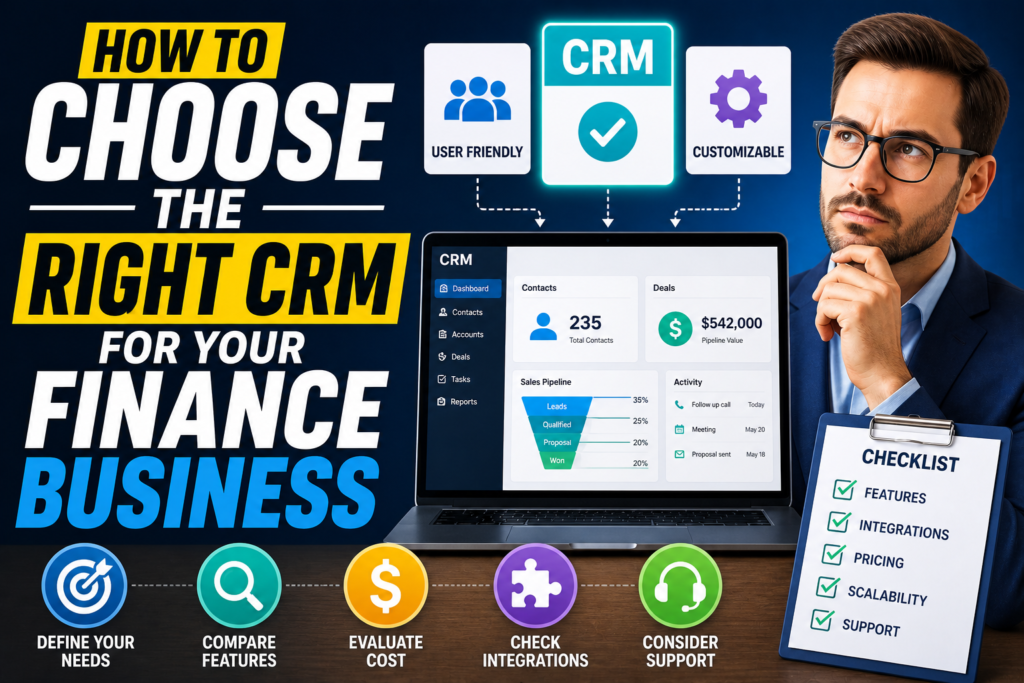
Common Mistakes to Avoid
When choosing a CRM for finance, many businesses make these mistakes:
1. Choosing Based on Price Alone
Cheap tools often lack critical features.
2. Ignoring Compliance Needs
This can create serious legal issues.
3. Overcomplicating the System
Too many features can overwhelm your team.
4. Not Planning for Growth
Switching CRMs later is costly and time-consuming.
Avoid these, and your decision becomes much clearer.
Best CRM Options for Finance Businesses
Here’s a quick overview:
- Salesforce – Best for large firms needing deep customization and analytics
- HubSpot CRM – Ideal for small to mid-size firms focusing on ease of use
- Zoho CRM – Great balance of affordability and flexibility
- Microsoft Dynamics 365 – Strong for enterprises needing integration with other business tools
Each has strengths, so your choice should align with your business model.
Final Thoughts
Choosing the right CRM for your finance business is not just a software decision. It’s a strategic move that affects your operations, client relationships, and long-term growth.
Focus on:
- Your business requirements
- Finance-specific features
- Ease of use
- Integration and scalability
- Security and compliance
Take your time, test thoroughly, and involve your team.
A well-chosen CRM doesn’t just organize your data. It transforms how you serve clients and grow your business.
